


There’s something about watching sound come to life on screen that pulls people in. Audio visualizers—animated, reactive graphics that respond to music in real time—have gone from YouTube novelties to centerpieces of modern stage performances. For artists, DJs, and bands, they offer a way to turn your set into a multi-sensory experience.
At gigs, having a compelling visualizer playing behind or beside you can make a huge difference. It gives the audience something to connect with visually, even when they’re far from the stage. And for solo performers in particular, it can transform a static stage presence into something dynamic and immersive.
But not all visualizers are created equal. If you want your music to look as good as it sounds, you need to think beyond a few bouncing bars. You need intentionality, design, and some technical know-how.
Here’s how to do it right.
Understand What an Audio Visualizer Actually Does
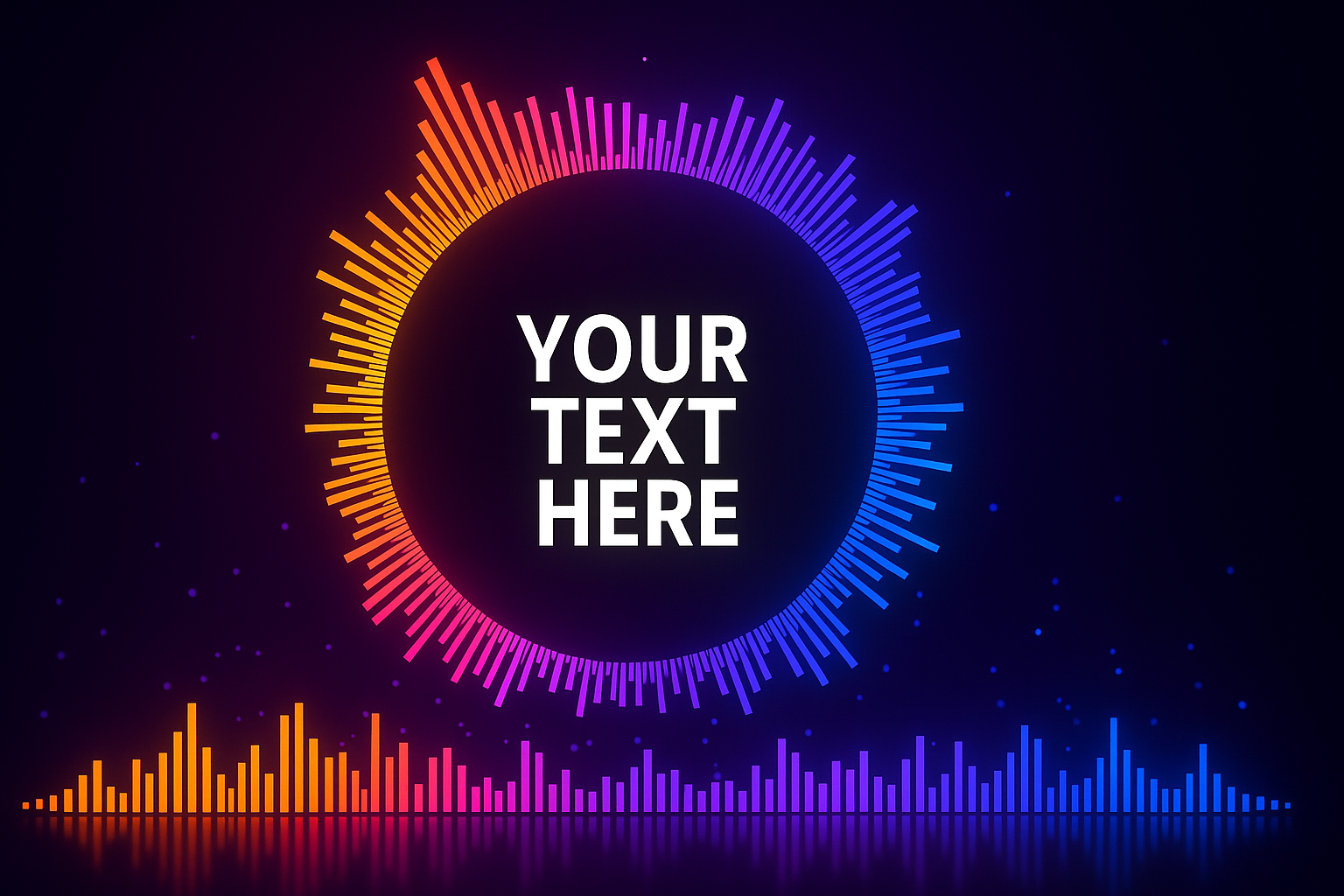
Before diving into tools and workflows, it’s worth understanding what an audio visualizer is—and what it isn’t. At its core, an audio visualizer is a system that analyzes elements of your audio (such as volume, frequency, and rhythm) and translates them into visual movement. This could be a pulsating waveform, swirling particles, expanding circles, or any other form that responds to your music in real time or during playback.
It’s not a video with synced cuts or an animated music video. Rather, it’s usually abstract, generative, and designed to reflect the structure and emotion of the track without distracting from it. At gigs, a well-designed visualizer complements the performance without overshadowing it.
Know the Context: Where Will It Be Shown?
Not every visualizer works for every space. What looks brilliant on a laptop screen might fall flat on a projector or LED wall. The format and technical setup of your gig should shape your creative decisions.
Are you performing in a small venue with one screen? A festival stage with massive LED panels? A dark bar where visuals need to be bright to cut through? Is your music chill and ambient, or aggressive and bass-heavy?
These factors matter. For mellow sets, slow-moving visualizers with soft gradients and symmetrical motion work beautifully. For upbeat or percussive tracks, sharper movements and strobing elements might be more appropriate—just be mindful of sensory overload for your audience.
Choose the Right Tool for the Job
There are dozens of tools out there for creating audio visualizers, from beginner-friendly drag-and-drop apps to professional-grade software. Choosing the right one depends on your comfort level and how much customization you want.
Here’s a breakdown of popular tools and what they’re best for:
- After Effects + Trapcode Sound Keys: Perfect for designers who want full control. Sound Keys lets you link audio data to any visual property in After Effects. Time-intensive, but endlessly flexible.
- Resolume Arena: A VJ tool that’s ideal for real-time visuals during gigs. Great for mixing multiple visual sources live.
- TouchDesigner: A favorite among generative artists. Complex but incredibly powerful, especially for installations and interactive setups.
- Renderforest/VEED/Vizzy.io: Easy-to-use browser-based options. Good for quick visuals but less suited for high-end gigs.
- Processing or p5.js: Code-based tools for those who want to build from scratch. Great for custom visuals with audio reactivity.
For live gigs, pre-rendered videos (played in sync with your set) are more predictable, while real-time setups offer flexibility—but require technical setup and sometimes a second operator.
Design with Intention
A common mistake is to think that more movement equals more impact. But in most gig environments, subtlety and coherence win. Your visualizer should serve the music, not compete with it.
Use recurring visual motifs that evolve over the course of the track. Consider aligning visual changes with structural shifts in the music—like transitions from verse to chorus, tempo changes, or breakdowns.
If your music has lyrics or a strong narrative, avoid cluttered visuals. Opt for clean lines, monochromatic palettes, or soft gradients. Let the sound lead the viewer’s emotional journey.
Consistency is key. Don’t mix too many styles in one set. Choose a theme and build visual variations within that framework. This creates cohesion without monotony.
Essential Elements for Great Visualizer Videos
While design is subjective, the best visualizer videos often share a few practical characteristics. Here’s a checklist to guide your creation process:
- High contrast: Your visuals should be clearly visible in different lighting environments.
- Aspect ratio flexibility: Make sure your video can work across projectors, LED walls, or widescreen monitors.
- Avoid small detail overload: Tiny, intricate visuals often disappear on large displays.
- Sync points: Anchor visual elements to beats or key changes for tighter impact.
- Color harmony: Avoid chaotic palettes—stick to 2–3 main tones per piece.
- Export quality: Render your final videos in high resolution (1080p or 4K) and uncompressed formats when possible.
- Loop-friendly sections: Useful for background visuals or when improvising.
Remember, this isn’t an Instagram reel—it’s part of your performance.
Syncing the Visualizer with Your Set
The trickiest part of using a visualizer at a live gig isn’t designing it—it’s syncing it properly with your set. You have two main options:
- Pre-rendered performance video: You create a fixed version of your track with a synced visualizer, and perform in time with it. This is reliable, especially if you use backing tracks or MIDI.
- Real-time reactive visualizer: You run the visualizer live, feeding it audio from your mix or a microphone. This allows for more spontaneity but requires more hardware and potential for error.
Whichever you choose, practice is key. If you’re using pre-rendered visuals, rehearse your timing so it feels seamless. If you’re going the real-time route, test the setup thoroughly before the show and consider bringing a dedicated VJ to run the system.
Don’t Ignore Branding and Identity
Your visualizer isn’t just “cool visuals.” It’s a reflection of your artistic identity. Use it to build your brand. Subtly include your logo, motif, or color scheme in the visuals. This repetition sticks in people’s minds.
If you’re performing as part of a larger bill, strong, consistent visuals make you stand out. They help people remember your name long after the music ends. And when people film your set? Your visuals are part of that content, circulating online and spreading your aesthetic.
Go Beyond: Adding Depth with Mixed Media
If you want to elevate things further, consider layering audio visualizers with other forms of media. Blend live footage, abstract video loops, or custom animation with reactive elements. TouchDesigner and Resolume are great for this hybrid approach.
Another powerful idea is incorporating interactive visuals—where audience input or your own performance gestures (via MIDI, motion sensors, etc.) influence the display in real time. These take more technical setup, but the effect can be unforgettable.
Common Mistakes to Avoid
Finally, a few pitfalls that can make even the best music fall flat visually:
- Overloading the screen: Too much motion becomes noise.
- Relying on presets: Unique design takes effort. Cookie-cutter visualizers feel impersonal.
- Ignoring test environments: What works on your laptop may not translate on stage. Always test in a comparable space.
- Neglecting sync: A few seconds off can ruin the immersive quality.
- Poor contrast: If people can’t see it clearly from the back of the room, it’s not helping.
Conclusion: Music That’s Seen and Felt
Creating audio visualizer videos for gigs isn’t about being flashy—it’s about creating a full-bodied experience. You’re inviting your audience to feel your music in more ways than one. With the right visuals, you don’t just play a show. You build a world.
And in today’s hyper-visual, content-driven landscape, that might just be the difference between being heard—and being remembered.


